|
Invoice Verification was developed to give
Microsoft Small Business Accounting users the ability to
verify that the products they are billing for and the products they are
shipping match. An invoice is produced in
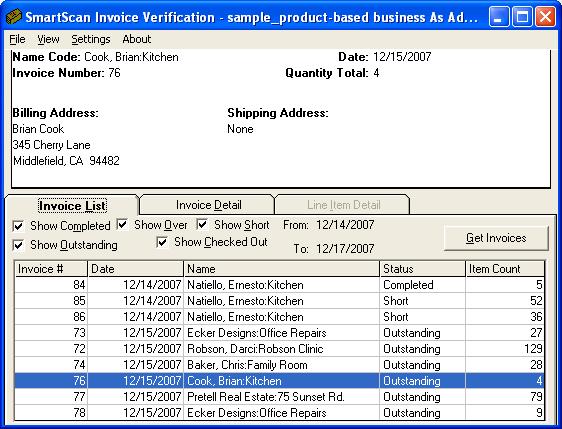
Small Business Accounting. This information is then retrieved by the
Invoice Verification
program so that the person that will be preparing the invoice for delivery to your
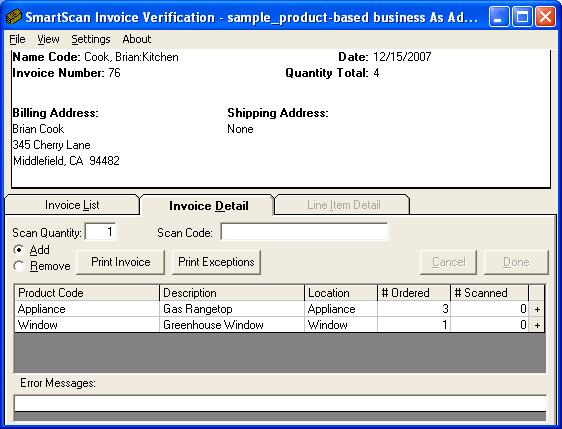
customer can print a pick list that they will use to pick the products. Once
the products are picked they can then be verified with the
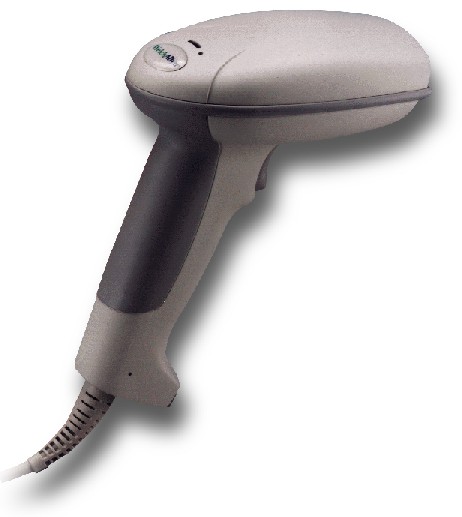
Invoice Verification program. This
may be done by using a barcode scanning device or by entering the quantities
for each product manually. When the products have been verified against the
original invoice, a confirmation report.
The same process as described above may be used
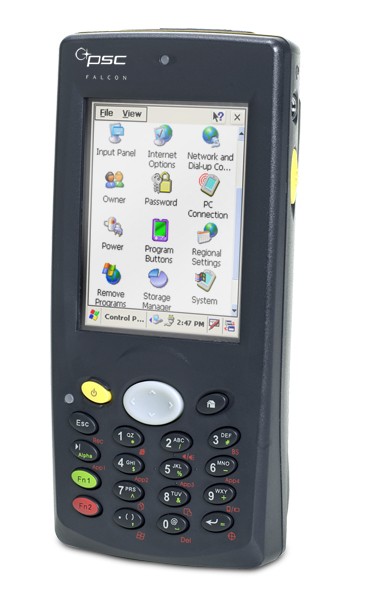
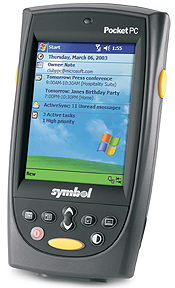
with a Pocket PC based mobile computer. With a PPC based computer, the picking
and verifying process takes place at the same time. The PPC based computer
becomes an electronic pick list and as the items are scanned into the
computer, they are also verified. After all items on the list have been
picked, the products are ready to be shipped and the information is
transferred back to the PC so that the confirmation report can be printed
for review by
the office staff.
- Use the barcode that already exists on your
product or create your own barcodes so that your products can be quickly
and accurately picked for shipment.
-
Use a location code so that your picking
process becomes more efficient. Employees picking the
products can be directed to the location where the product may be found.
- Print packing lists for
the items you are shipping automatically.
-
Eliminate costly misship errors which leads to rework and unhappy customers.
- Increase the accuracy of
your inventory.
|  .
.